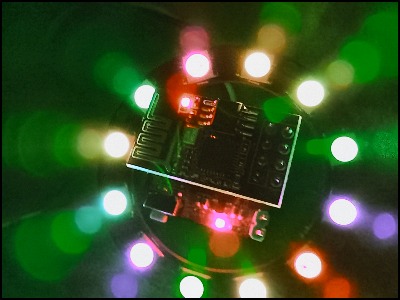
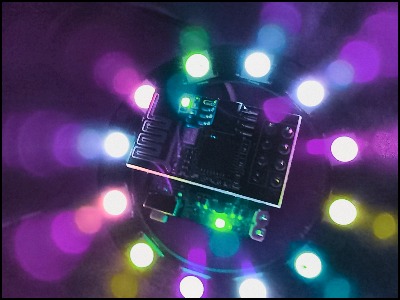
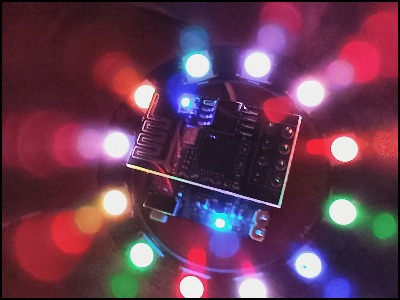
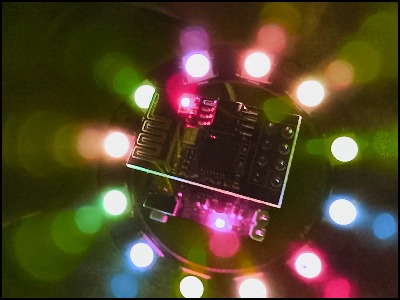
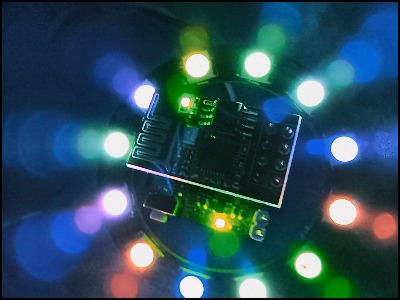
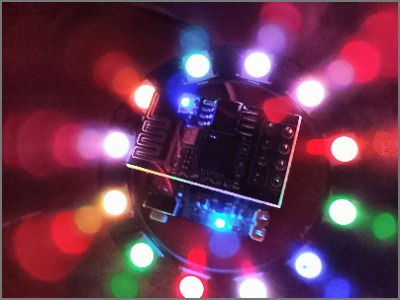
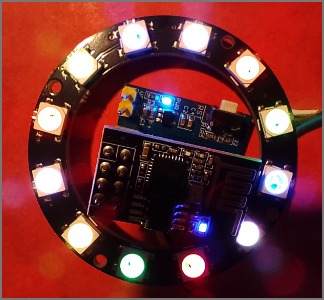
Another set of eBay purchases provided an ESP01, blue board and 12 LED ring. This page allows some prototyping a display idea that can be used in an Python sketch.
#
# NEO PIXEL example
# LEDringOn_ESP01_D3.py
# mainNeoPixelRing.py
# main.py  - save to ESP01 so it boots this on power up.
#
# https://docs.micropython.org/en/latest/esp8266/quickref.html#neopixel-driver
#
# NOTE: ESP01 outputs debug on boot and this causes the LED ring to flash bright.
#

from machine import Pin
from neopixel import NeoPixel

import time
count = 1000

#
# On D1 board GPIO is also labled D8
# On ESP01 blue-board GPIO 2 is used.
#
pin = Pin(2  , Pin.OUT)   # set GPIO0 to output to drive NeoPixels
np = NeoPixel(pin, 12)   # create NeoPixel driver on GPIO0 for 8 pixels

#
# Setu up LED buffer using R G B values
#
def setupLed1 ( ) :
    level = 32
    np[0] = ( level, level, level ) # set the first pixel to white
    np[1] = ( level,     0,     0 ) # set the pixel to Red
    np[2] = (     0, level,     0 ) # set the pixel to Green
    np[3] = (     0,     0, level ) # set the pixel to Blue
    np[4] = ( level, level, level ) # set the pixel to white
    np[5] = ( level,     0,     0 )
    np[6] = (     0, level,     0 )
    np[7] = (     0,     0, level )
    np[8] = ( level, level, level )
    np[9] = ( level,     0,     0 )
    np[10] =(     0, level,     0 )
    np[11] =( level, level,     0 ) # set the pixel to Yellow

    np.write()              # write data to all pixels

#r, g, b = np[0]         # get first pixel colour

#
# Animate LED in timer tick
#
def setupLed2 ( np ) :
    #global np
    level = 32
    temp = np[0]
    for c in range( 11 ) :
       np[ c ] = np[ c+1 ]

    np[11] = temp
    np.write()              # write data to all pixels
    print( np[0] )


def tick( count ) :
    while True :
        time.sleep(1)
        setupLed2 ( np )
        #np.write()              # write data to all pixels

setupLed1()
time.sleep(1)

tick( count )
The LED ring has 12 LED, turn the LED on bases on the Hours minutes and seconds
Create 12 LED with own ID, spaced in a ring.
Or use HTML CANVAS and javaScript